How to connect to IC VPS?
Here are some simple steps on how to connect to IC VPS
Step 1
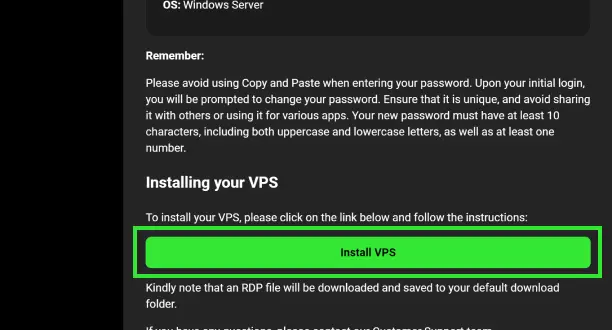
Download your RDP File from your Welcome Email or Secure Client Area.
Step 2
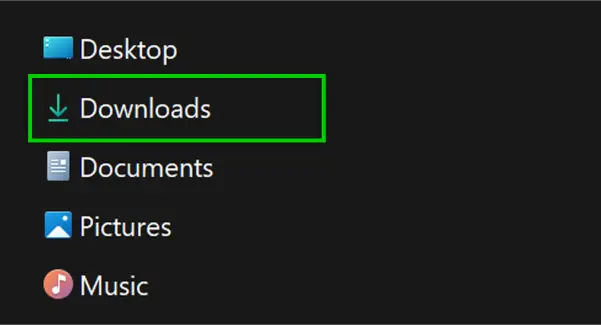
Locate the RDP file, you will find this in your designated Download folder.
Step 3
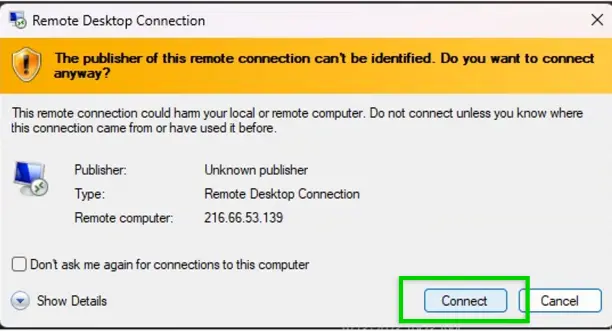
Initiate the remote desktop connection by clicking on "Connect".
Step 4
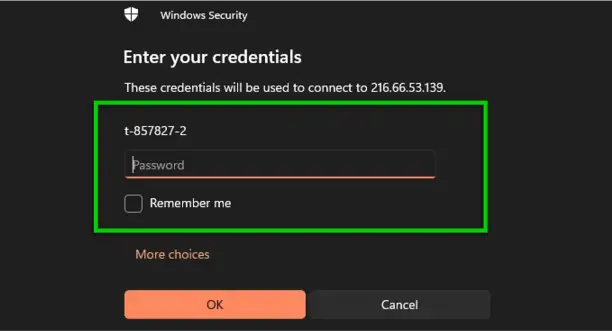
Enter the VPS credentials provided in your Welcome Email.
Step 5
You are now ready to start trading on MT4 or MT5 using your IC VPS.
 24/7 Support